
AI SDLC: a compendium of best practices for developing with AI
Translated from the Spanish original. Read in Spanish
There’s a lot of hype around AI-assisted development. Claude, Copilot, Cursor,… the list grows every week. And yes, these tools are powerful. AI is excellent for a PoC, but shipping to production is another story.
What is the AI SDLC?
The AI SDLC is the integration of AI tools and systems into every phase of the traditional software development life cycle — planning, analysis, design, coding, testing, deployment and maintenance — to empower the human developer and improve speed, quality and decision-making. As IBM puts it in this article, the idea isn’t to replace the dev but to add an intelligent layer across the whole process. And they warn about something key: AI-generated code «may look correct, but can contain subtle problems». That’s why a human-in-the-loop approach is practically mandatory on any serious project.
This post doesn’t try to cover all seven phases. It’s a compendium of best practices during the AI SDLC, focused on the part where the dev is most in the loop: design, build and review. It isn’t the absolute truth; you’ll find many more practices and standards as you dig deeper. It’s what works for me.
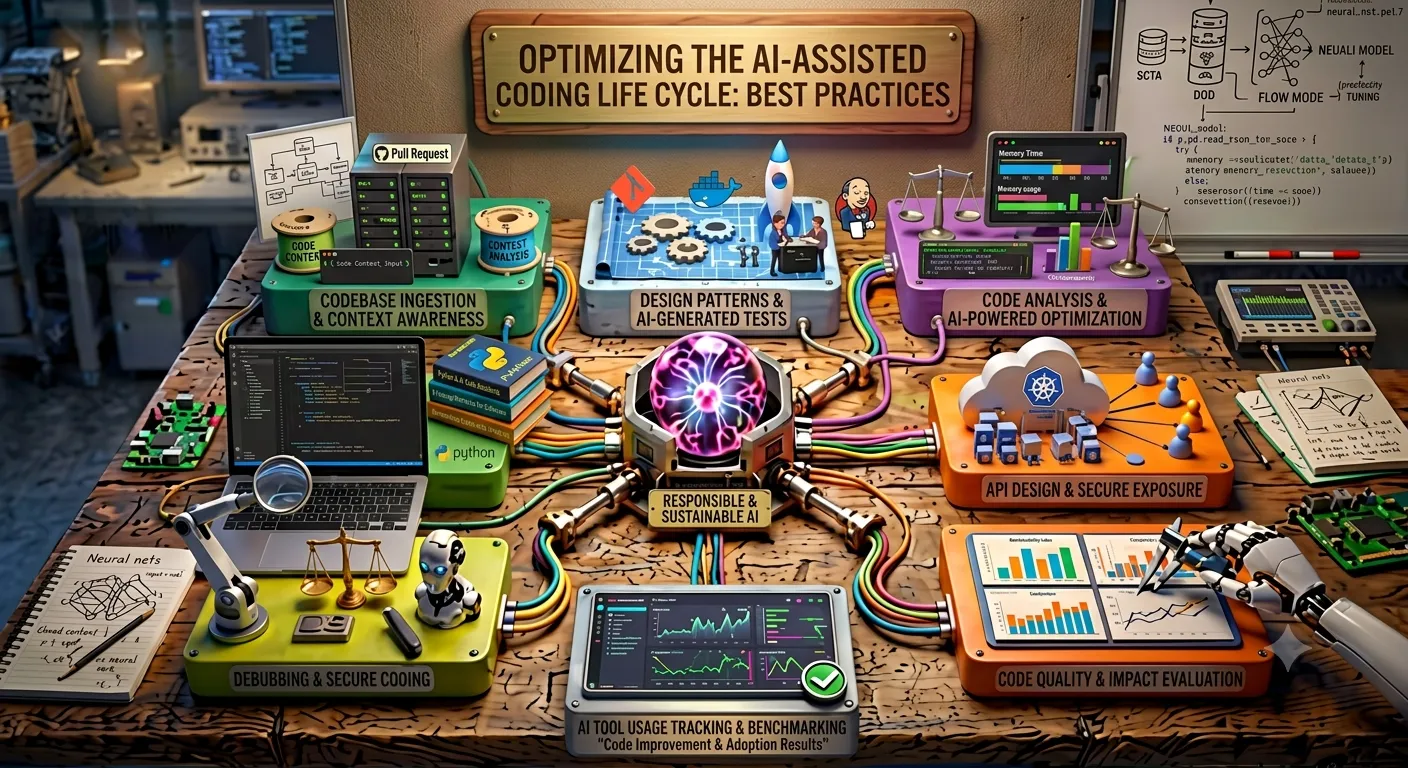
AI is great for a PoC — but a PoC isn’t prod-ready
AI dev tools are fantastic for starting from scratch and getting something working fast. You tell it what you want, let it run, and in minutes you have a PoC. The problem is that this code doesn’t necessarily follow good design, architecture or coding practices. In most cases, what comes out isn’t a production-ready product.
And here’s the uncomfortable part: you need to understand the code. Vibe coding is fine for a mockup, but not for something prod-grade. And that’s still true even with the latest model and the best tools.
The scenarios: where AI shines and where it gets tricky
- Building a fully working PoC from scratch — very good. This is where it shines most.
- Adding simple features to a codebase — good. Generally doesn’t need much more help.
- Adding complex features to a complex codebase — so-so. Here it already needs a lot more guidance from the dev.
- Modifying existing features in a simple codebase — good. Generally less guidance.
- Modifying an existing feature in a large codebase — good. Still doesn’t need too much guidance.
- Implementing a complex feature in a large codebase — this is where it gets hard. No matter how much context, skills or hooks you have, or how good your prompt is: here you need a good plan. It’s very easy for the agent to generate less-than-ideal code — probably code that works, but isn’t scalable, is error-prone, hard to read, etc.
- Large codebases in general, and code migrations — things get really delicate.
The takeaway: the bigger and more complex the codebase, and the more complex the feature, the less useful AI left on its own becomes — and the more important the dev in the loop.
When you’re shipping to prod: my AI SDLC workflow
When you want to take something to production, vibe coding isn’t the answer — at least not if you expect the agent to do everything. These are the best practices I apply, based on my personal experience:
1. Design before you prompt
Before writing a single prompt, you decide the architecture, the design and the language. You can brainstorm with the AI, but you should have every aspect of the application and the infra designed up front.
2. Ask it for a detailed plan
Use that design and ask the AI to generate a detailed plan, with your instructions and decisions already made as input.
3. Review the plan!
Carefully. Ask for whatever changes are needed. I usually ask it to create a .md file that both the AI and I can edit and review — I don’t leave it just in the prompt.
4. Divide and advance
Once the plan is OK, break the bigger tasks down into small ones and get going.
5. Never let it do everything without asking
Review every change. Complete a commit. At this stage I like to review the commit’s changes once more. AI-generated code looks good, and it’s easy to miss problems in a single pass. Once you’re happy with that commit, move on to the next step.
6. Final review, in triplicate
When everything’s done, ask the AI to review once more to find potential problems. And do a quick manual inspection of your new code yourself. That’s the third review.
More practices worth keeping in mind
Testing as a guardrail
Ask the AI to write tests, but with a critical eye. Sometimes it generates tests that pass trivially, or that test the implementation instead of the actual behaviour. Tests are your safety net when you let the agent modify code, but you need to review them with the same distrust as everything else. A test that never fails doesn’t protect you from anything.
Security: never trust blindly
AI easily slips in hardcoded secrets, insecure dependencies, missing validation or injection vulnerabilities. It works, but it leaves the door open. Always review generated code from a security angle: what data it touches, what it validates, what it exposes.
Deterministic tools in the loop
Not everything has to go through your judgement or the model’s. Linters, type checkers, formatters and CI automatically catch loads of things that neither you nor the agent should be reviewing by hand. Let deterministic tools do their job and save your attention for what really needs judgement.
Watch out for scope creep
The agent tends to “improve” things you didn’t ask for, or to touch files outside the task’s scope. Suddenly a simple change comes with three surprise refactors. Keep it focused on what you asked for; out-of-scope changes are one of the easiest ways to introduce bugs nobody was expecting.
Know when to write it yourself
Sometimes explaining to the AI how to do something costs more than doing it by hand. Recognising that point is a skill in itself. AI is a tool, not an obligation: if it’ll take you less time to write the code yourself, write it.
Pick the right model and effort for each task
Not everything deserves the most powerful model at maximum effort. For simple tasks — renaming, mechanical refactors, boilerplate — a lighter model is more than enough. Save the big models and high reasoning for what really needs them: architecture, complex features, hard debugging. Saving costs and tokens isn’t just about money: matching the model and the effort to the real complexity of the task gives you better results and less noise.
Some important rules
- Make sure your skills, hooks, commands, rules and code styling are set up in the agent’s context and ready before you start.
- Use rules to lock in the agent’s non-negotiable behaviours: “never assume anything”, “always check or ask if something isn’t completely clear”, “don’t touch files outside the task’s scope”, “don’t invent APIs or libraries”. A good rule saves you repeating the same thing in every prompt.
- Run adversarial reviews of your project.
- In general, simple solutions are the best. Be wary of complex solutions generated by the AI — there’s often a more direct path the model didn’t choose.
- If you’re not sure of the best way to implement something, go back to the source: official documentation, specs, the original code. Don’t settle for the agent’s first answer.
- Don’t ship anything you don’t understand.

AI Platform Engineer & Full-Stack Developer
Building Enterprise Integrations & Automations
- What an LLM really is — and how to measure it with Artificial Analysis - 12 September 2026
- AI SDLC: a compendium of best practices for developing with AI - 19 June 2026
- Agentic Patterns and the Many Faces of RAG - 25 May 2026