
Privacy in Windows
Translated from the Spanish original. Read in Spanish
People often use separate sessions in Windows, sometimes to personalise their desktop, and other times for some kind
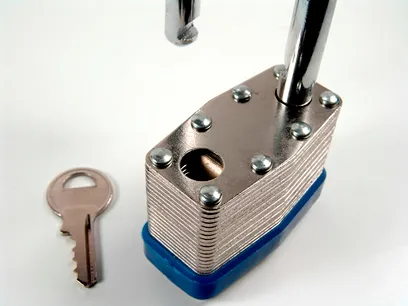
of privacy and security for their information. When it comes to the latter, however, it’s important to know some of Windows’ weaknesses in this area, as well as a few configuration mistakes made when creating user accounts.
Hidden administrator user
When home computers are installed and set up, a small configuration mistake is often made. When the system is installed, an Administrator user is always created by default (this is the account with full permissions to make changes to the computer, including changing or deleting other users’ passwords). If this isn’t configured properly, when personal sessions are created for the different users, the Administrator user remains active and invisible, with no password. What does that mean? That even if our personal account is protected by a password, any other user can get into our data without any password at all, and even change or delete our login password.
Several administrator users
When several sessions are created for the different users of a computer, even if some privacy is enabled for personal documents, it’s worth pointing out that since they’re all administrators, one way or another any user can access another user’s files. A more private setup would have just one administrator user and the rest standard; even so, the administrator will always be able to access every file (perhaps not straight away, but by changing a few permissions they’ll eventually get access).
How secure is a session password?
Suppose only our Administrator account exists and we use the login password to stop other people accessing our personal documents. Are our documents really safe? Not only are they not safe, it’s also very easy to get to them or take over the session. In no more than 3 or 4 minutes, anyone can change the password of a user on the computer (administrator or not) and calmly access the data and session they’re after. Basically, the original password stored on the computer is altered, so it can be deleted or replaced with a new one.
Video tutorial: Privacy in Windows
So how do we protect our personal data?
There are many kinds of software and new features in Windows 7 that can be used to protect our folders; personally, though, I think TrueCrypt is one of the most effective and secure programs, and it’s also free.
Video tutorial: Download, install and encrypt data with TrueCrypt

AI Platform Engineer & Full-Stack Developer
Building Enterprise Integrations & Automations
- What an LLM really is — and how to measure it with Artificial Analysis - 12 September 2026
- AI SDLC: a compendium of best practices for developing with AI - 19 June 2026
- Agentic Patterns and the Many Faces of RAG - 25 May 2026